CODE OVERRIDE

Image Lightbox Gallery for Framer

Add polished galleries or single-image lightboxes to Framer with smooth animations, swipe navigation and mobile ready interactions.

Added on

•

lightbox code override for framer with gallery and single images
Contents
No headings found

Read changelog

Introduction

Create polished image galleries or standalone lightbox experiences with seamless animations, gestures, and mobile-friendly behavior. This code override let you add professional lightbox functionality to any image in your Framer project while preserving aspect ratios, enabling swipe navigation for galleries, zoom in/out, and offering intuitive drag-to-close interactions (on mobile).

Why Add a Lightbox?

Lightboxes elevate user experience by focusing attention on media without disrupting the layout. With these overrides, you can:

  • Showcase images in full-screen clarity without compromising page structure.

  • Enable gesture controls (swipe for galleries, drag-to-close on mobile).

  • Maintain design consistency with customizable arrows, overlays, and animations.

  • Simplify CMS integration as it works dynamically with Framer CMS images and galleries.

Whether building a portfolio, product grid, or blog, these overrides solve the problem of cluttered layouts while adding a layer of interactivity.

If you're looking into using just one image in your project tied to a Framer CMS gallery that opens up a lightbox and shows multiple images, you might be interested in another tutorial with component provided to isolate a specific image from a CMS gallery here.

Lightbox Features

Desktop

On desktop, you can use the left and right arrow keys to navigate between the gallery together with the previous and next buttons. Clicking on the close button or outside the image will close the gallery, as well as using the escape key.

Images using the gallery override on the same page will all be accessible once one of them is open. The lightbox doesn't show the navigation arrows if there is only one single image that has the override.

Hovering over an image that has the framer lightbox code override will create an overlay with a magnifying glass button.

Dragging the image on desktop serves only to make it seem more interactive.

Mobile

On mobile, the lightbox will auto-detect the device and add the swipe gesture functionality which allows for easier navigation. Dragging the image up on mobile will also add a new way to close the lightbox. The swipe up functionality is commonly used on iOS devices to close apps, it served as an inspiration.

Core Functionalities

The lightbox is fully responsive, adapting seamlessly to screen sizes with real-time resizing. It features subtle, performance-optimized animations (like image scaling) and hover effects for buttons. Customizable variables at the top of the code make it easy to tailor, while its simple integration ensures no layout changes are needed in existing Framer projects.

Zoom Effect

As of July, 2025, you can choose to enable the zoom functionality (on by default) which gives users the possibility to zoom in/out on images while the lightbox is open.

The zoom in factor enables panning to accommodate all image ratios, whether it's a 16x9, 9x16, or else. Once the zoom scale has been set back to the initial size or the minimize button has been pressed, the image will re-render to it's default position and size.

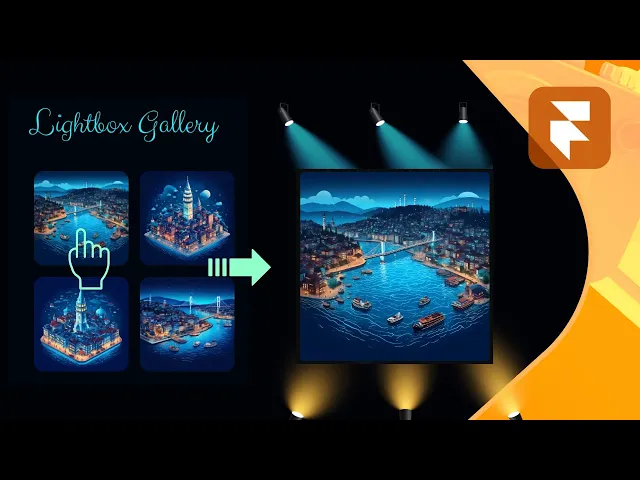
Video tutorial by Akin Gundogan, make sure to check out his Youtube channel!
Optimized for Performance

The lightbox is optimized for peformance and search engines, with subtle animations, lazy-loading for faster initial loads, and gesture prioritization to ensure smooth interactions on all devices.

How to Use the Code Override

The code override is simple to use and takes just a few steps to integrate into your Framer project:

  1. Grab the remix link at the bottom

  2. In the assets panel locate the LightboxGallery.tsx

  3. If you want, you can edit constants at the top (e.g., arrowSizeDesktop, lightboxBackground) to match your design

  4. ⌘ + A to select all and ⌘ + C to copy all

  5. In your Framer project, create a new Code Override and paste the code inside

  6. Select any image layer you want to add gallery functionality to

  7. In the code overrides panel you will set the File to whatever you called your code override and the Override to withGallery

  8. Done, you're all set


P.S. You will only see the code override in action once you press Preview or Live within a browser.
P.P.S. You can have multiple different image galleries on the same page by duplicating the code override and giving it a different unique name.

Does the lightbox work with the Framer CMS?
icon

Yes. It works with CMS images and galleries, so images pulled from a collection open exactly like static ones. If you need a single image from a CMS gallery to open the whole set, we cover that in a separate tutorial with its own component.

How do I group several images into one gallery?
icon

Apply the override to every image you want included. All images on the same page carrying the gallery override become one set, so visitors can move between them once any one is open. Arrows hide automatically when only one image has it.

Does it work on mobile?
icon

Yes. It detects the device and adds swipe navigation. Dragging the image upward closes the lightbox, the same gesture iOS uses to dismiss apps. Everything resizes in real time, so there is no separate mobile version to maintain.

Can I change how it looks?
icon

Yes. The customizable variables sit at the top of the code file, so you can adjust the overlay, arrows and animation without reading through the rest of it. Changes beyond those need editing the override directly.

Can I use it on a single image instead of a gallery?
icon

Yes. With one image the lightbox opens on its own and the navigation arrows are hidden, so it works as a plain zoom view. Hovering still shows the magnifying glass overlay so people know it is clickable.

Get a free

domain with Framer

Meet your new social media planner.

New Framer Template just Dropped

swiper fintech framer template

Recommended articles

Loved this? Keep exploring with our handpicked Framer resources, dive deeper, sharpen your skills and level up your Framer game.

The Best Framer Templates for Fintech and SaaS in 2026

The Best Framer Templates for Fintech and SaaS in 2026

What a Framer Website Actually Costs in 2026: Template vs Freelancer vs Agency

What a Framer Website Actually Costs in 2026: Template vs Freelancer vs Agency

The Best Framer Portfolio Templates in 2026

The Best Framer Portfolio Templates in 2026

Light & Dark Theme Toggle for Framer

Light & Dark Theme Toggle for Framer

Top 15 Must-Have Framer Plugins for 2026

15 Must-Have Framer Plugins for 2025

Framer vs Figma Sites in 2026: Which Should You Actually Build On?

Framer vs Figma Sites in 2026: Which Should You Actually Build On?

The 15 Best Free Framer Fonts in 2026

Top 15 Free Framer Fonts to Improve Your Designs in 2025

The Best Framer Templates for Beauty Clinics and Salons in 2026

The Best Framer Templates for Beauty Clinics and Salons in 2026

Shuffle Cloned Instances Component for Framer

shuffle cloned instances component for Framer

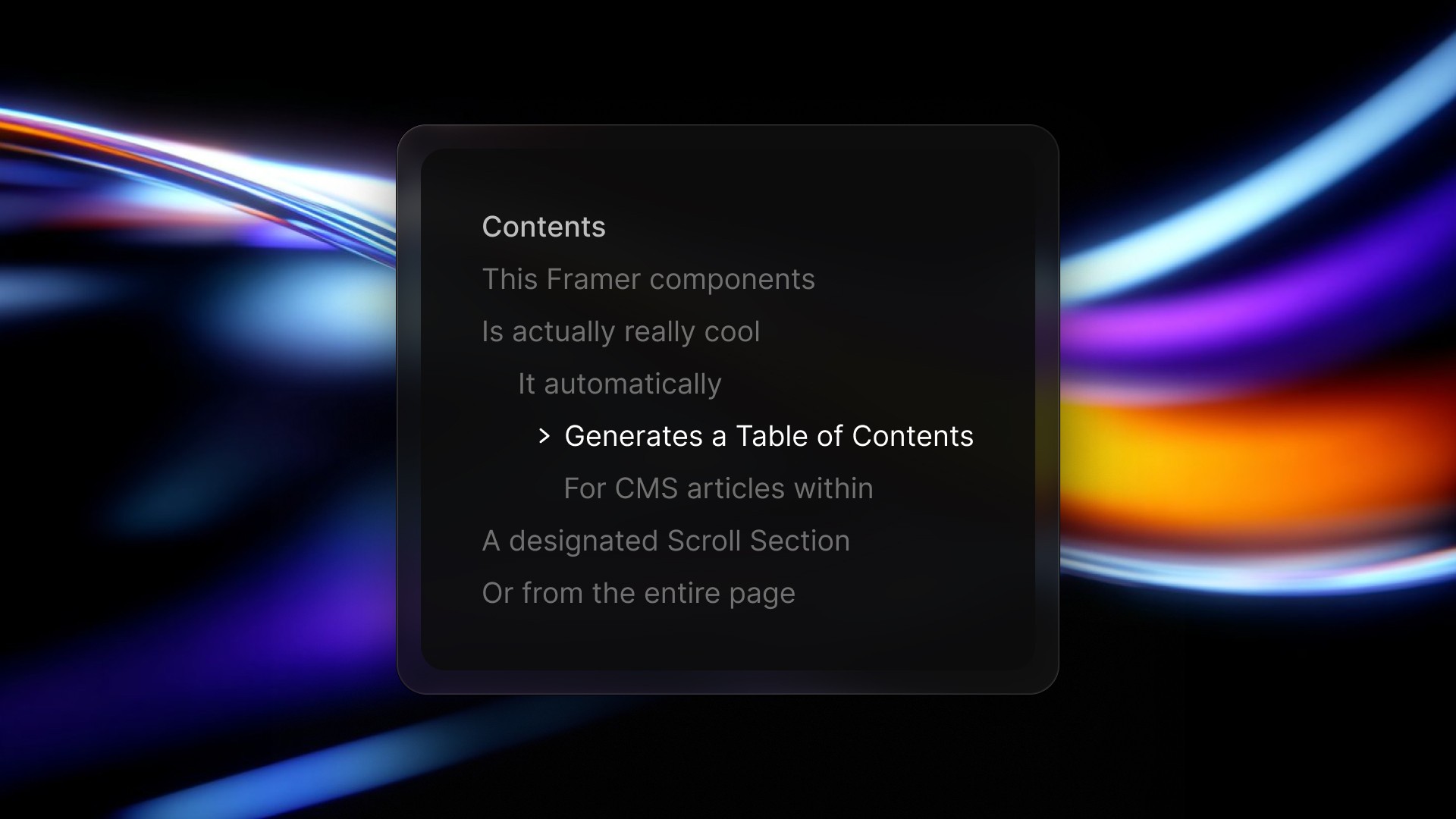
Table of Contents Component for Framer

table of contents component for Framer

Framer vs Webflow: Which Platform is Best for Web Design in 2026?

Framer vs. Webflow: Which Platform is Best for Your Web Design Needs?

Pixelated Preloader for Framer

pixelated preloader component for framer by pixcodrops.com

Autoplaying Carousel Component for Framer

preview of an autoplaying vertical carousel with background change for framer

Scroll Spin Gallery Component for Framer

scroll spin gallery component for framer by pixcodrops.com

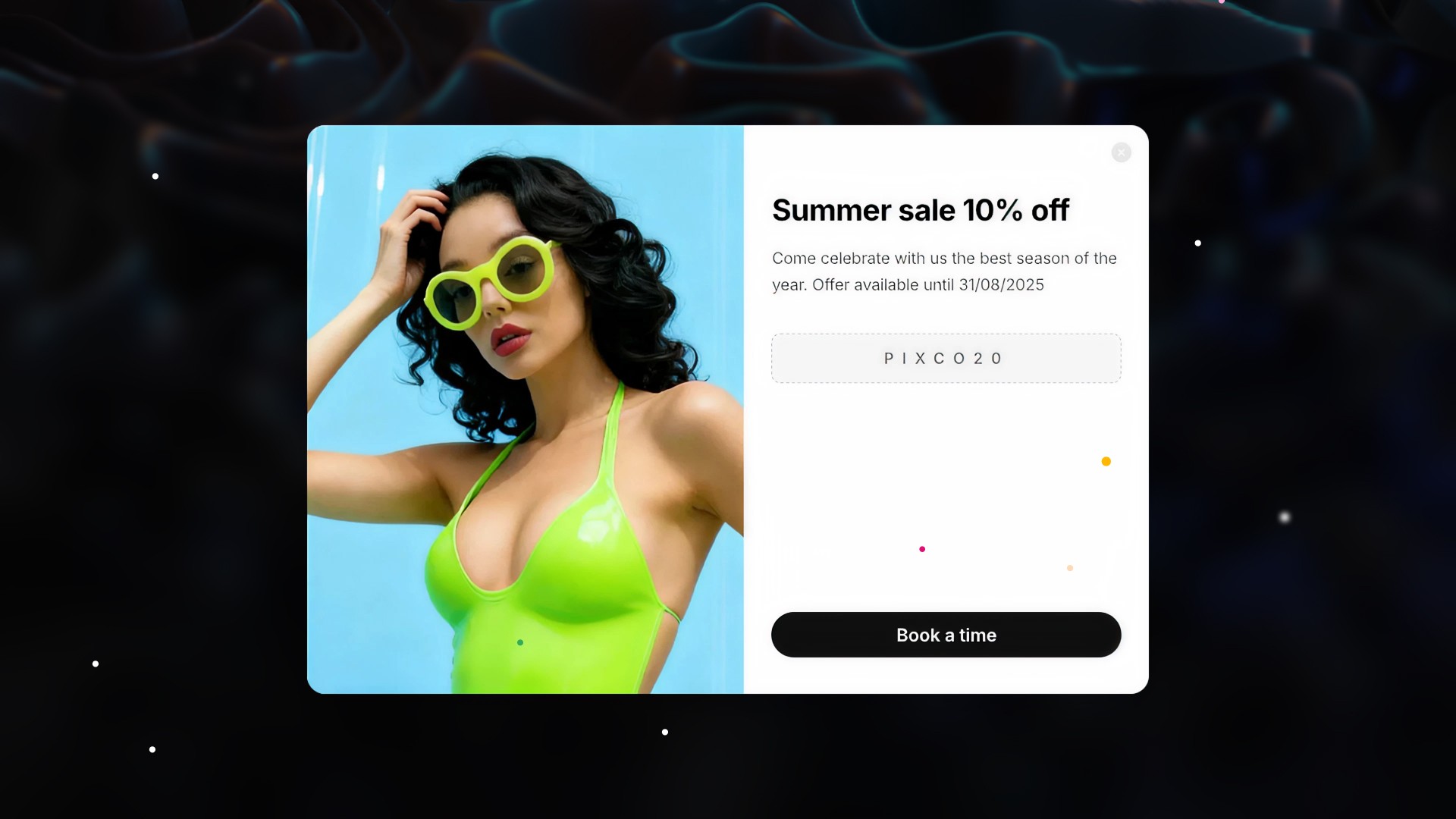
Timed Popup Ad Component for Framer

Timed Popup Ad Component for Framer

How to Edit a Framer Site with Claude Code

How to Edit a Framer Site with Claude Code

What Framer Academy Teaches, and What It Costs

What Framer Academy Teaches, and What It Costs

How the Framer Marketplace Actually Works

How the Framer Marketplace Actually Works

Where Vibecoded Sites Break and a Template Still Wins

Where Vibecoded Sites Break and a Template Still Wins

Fintech App Design Patterns That Actually Convert

Fintech App Design Patterns That Actually Convert

How to Move a Site from Webflow to Framer

How to Move a Site from Webflow to Framer

The Best Framer Templates for Fintech and SaaS in 2026

The Best Framer Templates for Fintech and SaaS in 2026

What to Look for in an Agency Website Template

What to Look for in an Agency Website Template

Best Free Framer Templates in 2026

Best Free Framer Templates in 2026

What an Airbnb Rental Website Needs

What an Airbnb Rental Website Needs

How to Structure a SaaS Marketing Site

How to Structure a SaaS Marketing Site

What a Framer Website Actually Costs in 2026: Template vs Freelancer vs Agency

What a Framer Website Actually Costs in 2026: Template vs Freelancer vs Agency

The Best Framer Portfolio Templates in 2026

The Best Framer Portfolio Templates in 2026

Light & Dark Theme Toggle for Framer

Light & Dark Theme Toggle for Framer

Top 15 Must-Have Framer Plugins for 2026

15 Must-Have Framer Plugins for 2025

How to Edit a Framer Site with Claude Code

How to Edit a Framer Site with Claude Code

What Framer Academy Teaches, and What It Costs

What Framer Academy Teaches, and What It Costs

How the Framer Marketplace Actually Works

How the Framer Marketplace Actually Works

Where Vibecoded Sites Break and a Template Still Wins

Where Vibecoded Sites Break and a Template Still Wins

Fintech App Design Patterns That Actually Convert

Fintech App Design Patterns That Actually Convert

How to Move a Site from Webflow to Framer

How to Move a Site from Webflow to Framer

The Best Framer Templates for Fintech and SaaS in 2026

The Best Framer Templates for Fintech and SaaS in 2026

What to Look for in an Agency Website Template

What to Look for in an Agency Website Template

Best Free Framer Templates in 2026

Best Free Framer Templates in 2026

What an Airbnb Rental Website Needs

What an Airbnb Rental Website Needs

How to Structure a SaaS Marketing Site

How to Structure a SaaS Marketing Site

What a Framer Website Actually Costs in 2026: Template vs Freelancer vs Agency

What a Framer Website Actually Costs in 2026: Template vs Freelancer vs Agency

The Best Framer Portfolio Templates in 2026

The Best Framer Portfolio Templates in 2026

Light & Dark Theme Toggle for Framer

Light & Dark Theme Toggle for Framer

Top 15 Must-Have Framer Plugins for 2026

15 Must-Have Framer Plugins for 2025

FRAMER DISCOUNT

Host your website on Framer

Enjoy 3 months free on your Pro Annual Subscription when you sign up on Framer. Simply enter the code partner25proyearly at checkout.

FRAMER DISCOUNT

Host your website on Framer

Enjoy 3 months free on your Pro Annual Subscription when you sign up on Framer. Simply enter the code partner25proyearly at checkout.

FRAMER DISCOUNT

Host your website on Framer

Enjoy 3 months free on your Pro Annual Subscription when you sign up on Framer. Simply enter the code partner25proyearly at checkout.

framer resources by pixco

FREEBIES

Framer snacks
on the house

Snag slick components and magic-level code overrides for your next project. Totally free because you're awesome like that.

framer resources by pixco

FRAMER RESOURCES

Framer snacks
on the house

Snag slick components and magic-level code overrides for your next project. Totally free because you're awesome like that.

framer resources by pixco

FRAMER RESOURCES

Framer snacks on the house

Snag slick components and magic-level code overrides for your next project. Totally free because you're awesome like that.