Introduction
Shuffle Cloned Instances is a Framer component that randomly displays one of several connected instances each time a visitor loads the page. Instead of always showing the same content, it picks from a pool of instances using a configurable probability, giving you a simple no-code way to run A/B tests, rotate ad creatives, vary hero sections, or surface different CTAs for different visitors, all within Framer.

How Does It Work?
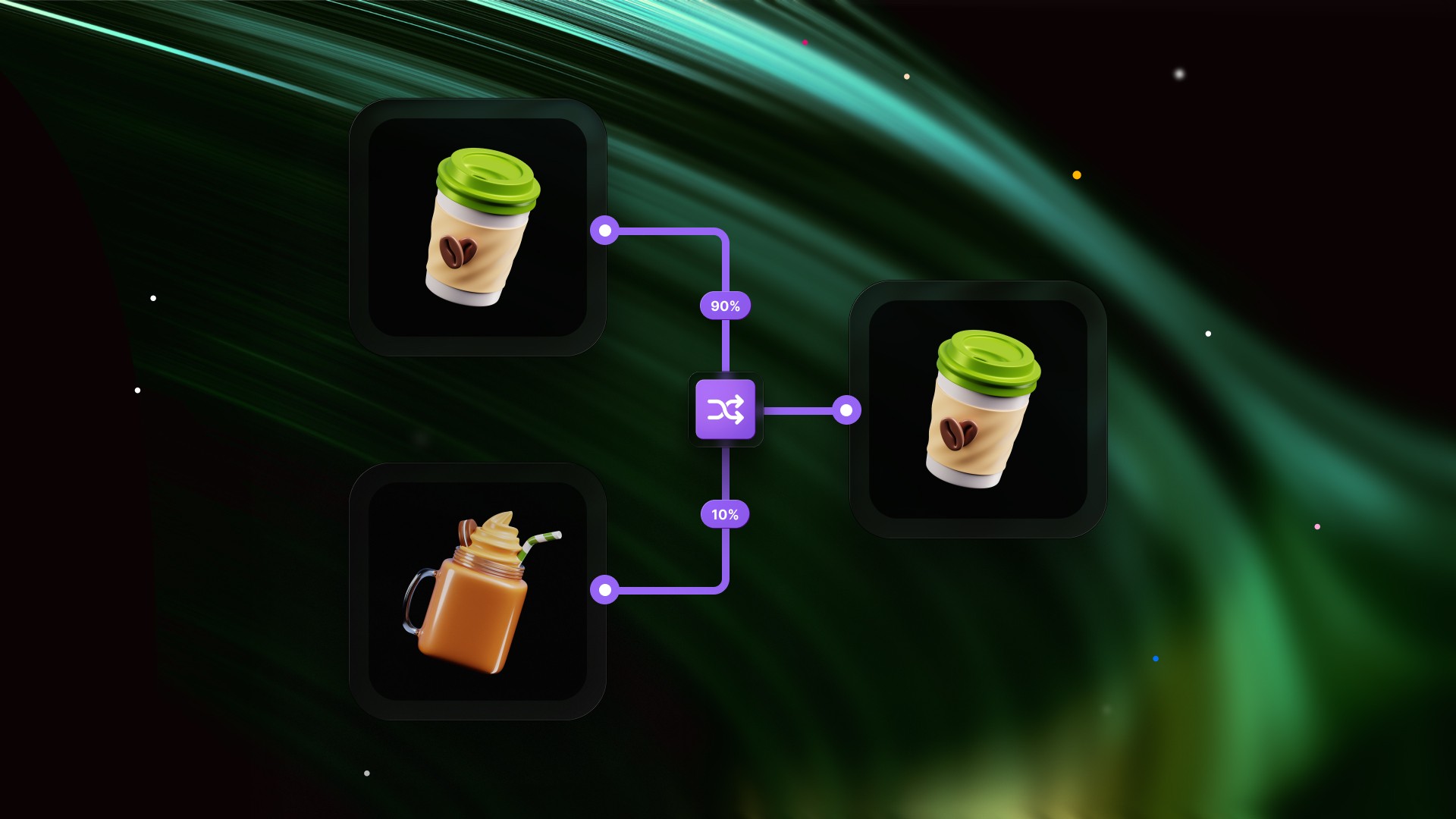
Every unique page load, the component picks one instance from the connected pool and shows it, hiding all others. The selection is random by default, but you can designate a preferred instance and set a win rate to control how often it appears. At 50%, the preferred instance shows half the time. At 80%, it wins eight times out of ten.
The pick stays stable for the duration of the page load and resets on every true page refresh, so each new visitor gets a fresh draw.
Use Cases
A/B Testing
The most direct use case. Connect two variants of a hero section, a headline, a CTA button, or an entire above-the-fold layout and let the component split traffic between them. Set the preferred index to the control variant, dial the win rate to 50%, and both versions get equal exposure without any external tooling.
You can also weight the test. If you want to soft-launch a new variant and only expose it to a fraction of visitors, set the win rate to 80% in favor of the original, then gradually shift it as confidence grows.
Ad and Creative Rotation
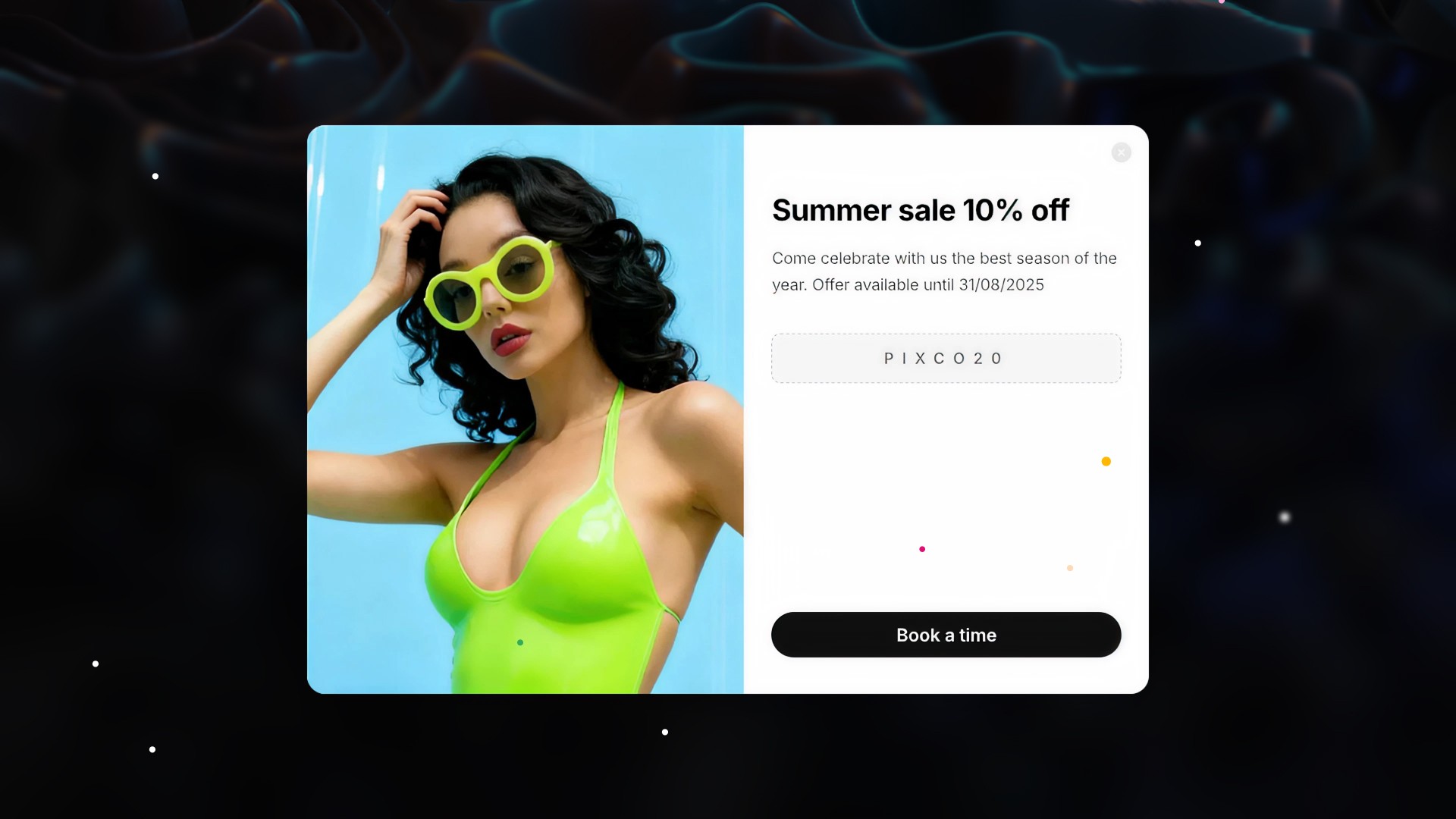
Connect multiple ad banners, promotional cards, or sponsored placements and let the component rotate them across page loads. Each visitor sees one version chosen at random, giving campaigns natural rotation without requiring JavaScript outside Framer or any third-party ad infrastructure.
Pairing this with the win rate control lets you prioritize a high-performing creative while still giving exposure to newer variants.
Content Variation
Use the component to vary non-critical content across visits: testimonials, feature highlights, imagery, or social proof blocks. Returning visitors who reload the page are likely to see something different, making the page feel less static without the complexity of full personalization infrastructure.
This works especially well for portfolio pages, landing pages, and editorial layouts where the goal is to surface a range of content rather than optimize a single outcome.
Seasonal or Contextual Swaps
Maintain multiple versions of a component, a default and a seasonal variant, and use the win rate to control when the seasonal version gets exposure. At launch, set it low. As the season peaks, increase it. This requires no code changes, just a property control adjustment.
Getting Started
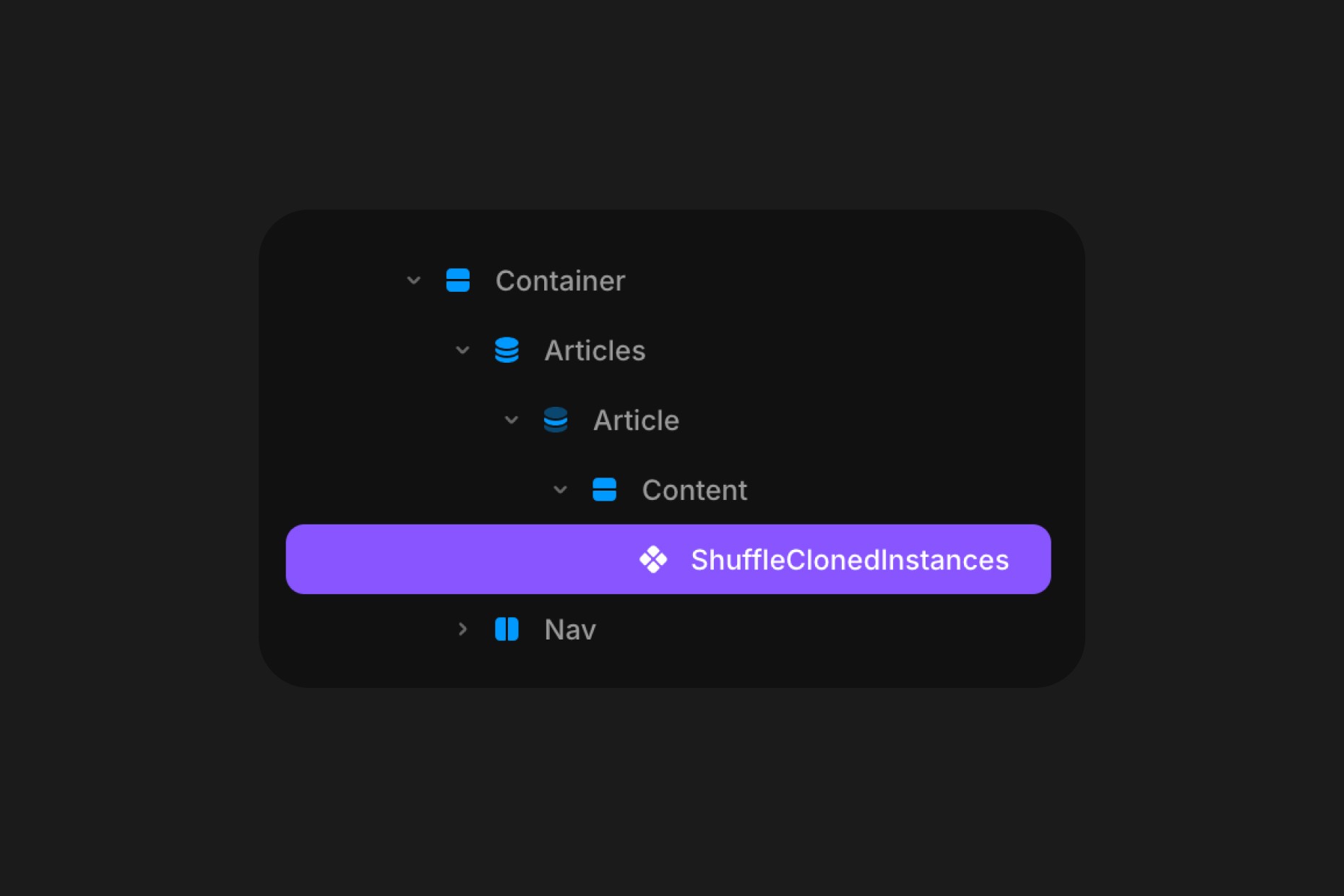
Click the remix link received from Polar, which will open the project in Framer. Grab the component from the canvas by copying and pasting it into your own project, connect your desired instances to the Component and customize to your needs.
If you're using Preferred and want to set a probability, the best way to test it is by using Framer's Live Preview and doing a refresh by CMD+R on MacOS or CTRL+R on Windows.
Component Features
Preferred
Enables a preferred instance, one that appears more often than chance would otherwise dictate.
When off, every connected instance has an equal probability of being selected. When on, you can designate a specific instance and control how often it wins through the Win Rate control.
Instance
Selects which connected instance is treated as the preferred one. Options run from Instance 1 through Instance 10, corresponding to the order in which instances are connected in the Instances array. Only visible when Preferred is enabled.
Win Rate
Sets the probability (1 to 100%) that the preferred instance is shown on any given page load. At 50%, the preferred instance and the remaining pool share equal probability. At 90%, the preferred instance appears nine times out of ten on average. Only visible when Preferred is enabled.
Instances
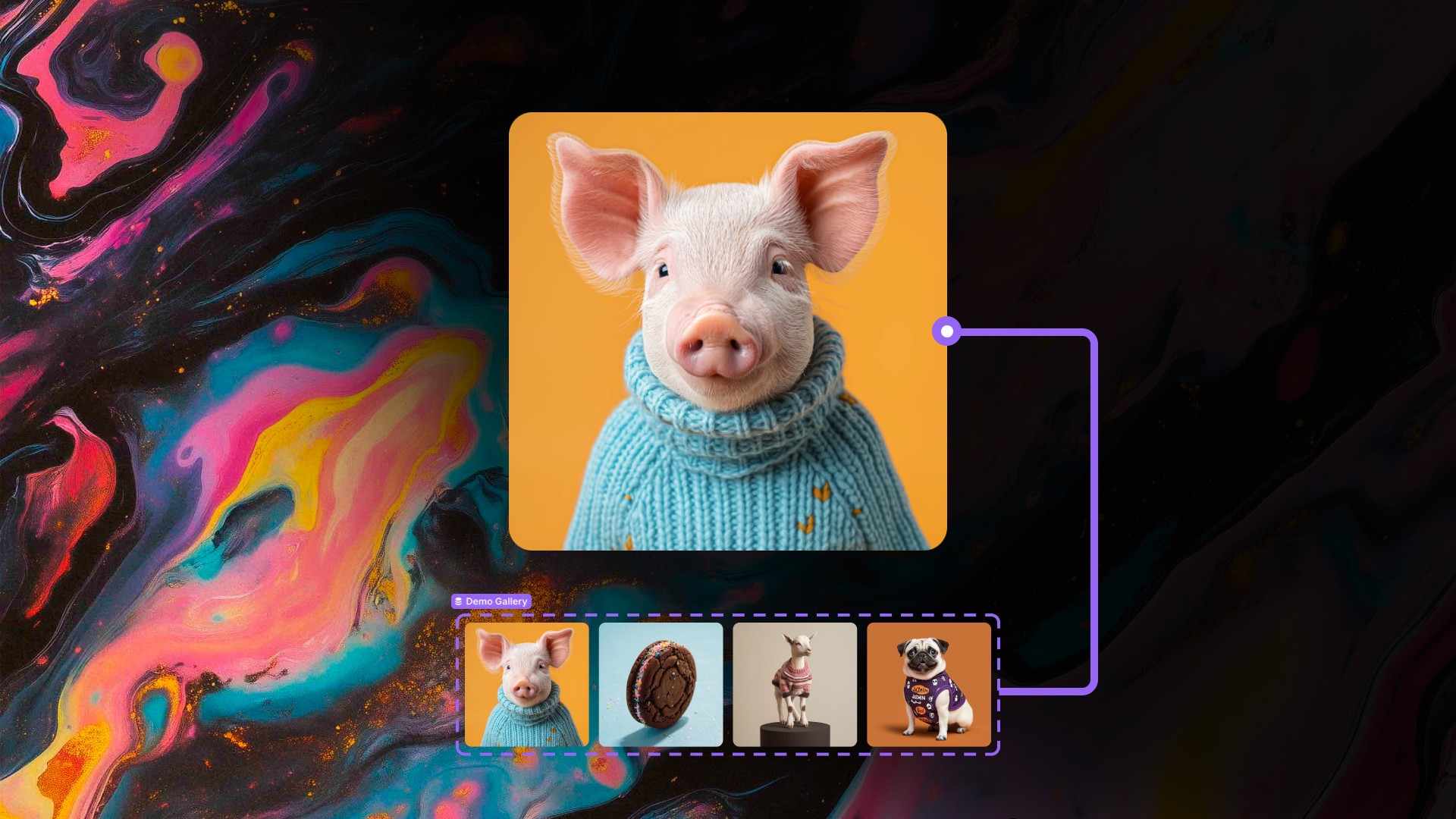
The array of component instances to shuffle between. Connect any Framer components here: variants, frames, images, CMS-bound components, or fully designed sections. The component accepts up to ten instances and will show exactly one per page load.
How the Randomization Works
The component uses a module-level in-memory store to ensure the random pick happens once per true page load and stays stable across Framer's internal re-render cycles. Each component instance on the page gets a slot in the store based on its render position, and the pick for that slot is computed the first time the component has valid instances to choose from.
Because the store lives in module memory rather than sessionStorage or cookies, it resets cleanly on every page refresh, giving each visitor an independent draw without persisting picks across sessions or requiring any browser storage permissions.