COMPONENT

Flipping Book Pages for Framer

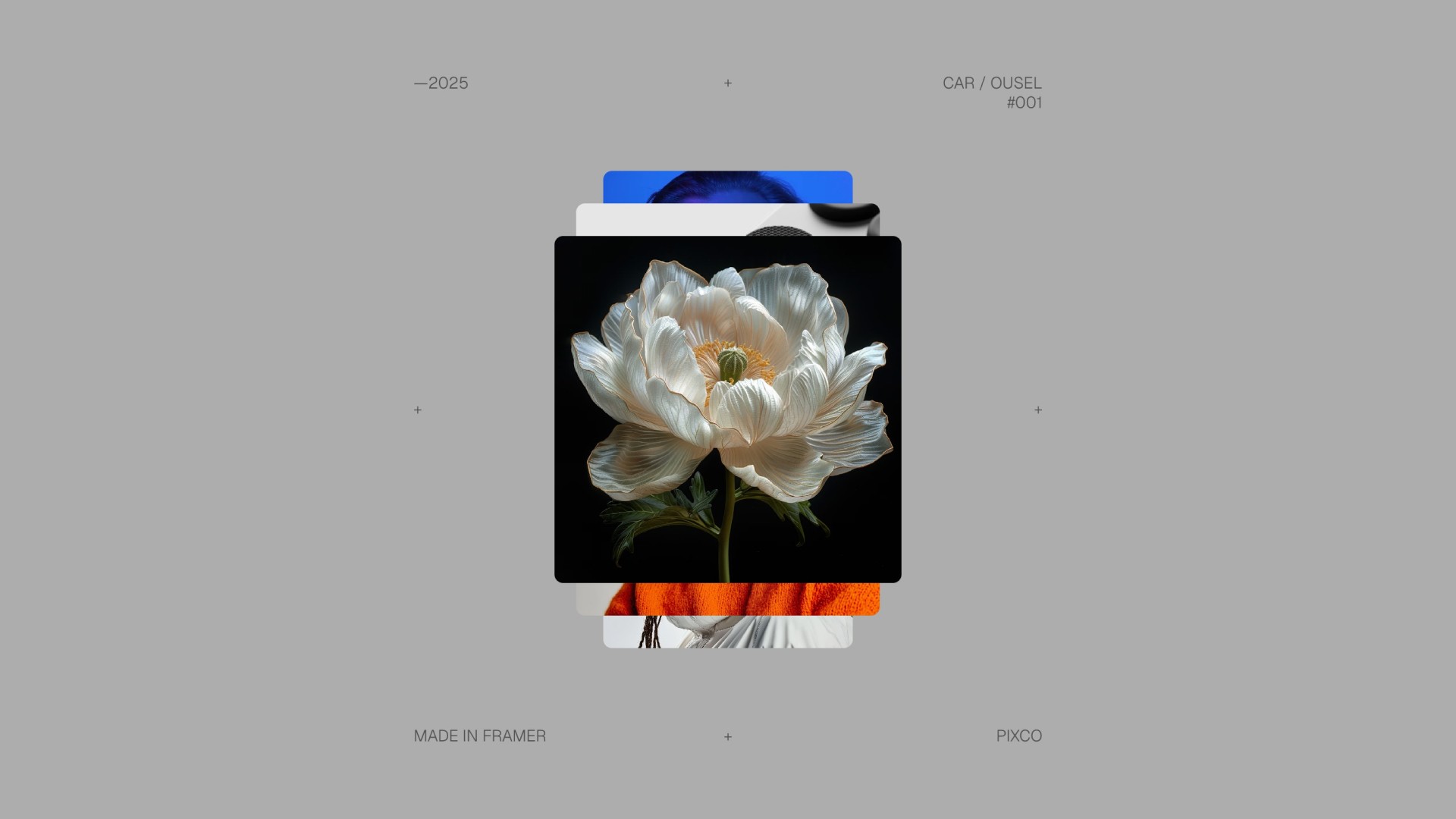
This book component framer resource mimics a physical book, offering a captivating and interactive experience.

Added on

•

preview of a flipping book pages for framer component
Contents
No headings found

Introduction

Create a captivating and interactive experience with this Flipping Book Pages component for Framer. Designed to mimic the look and feel of a physical book, this component includes 6 pages: 2 covers and 4 inner pages, each fully customizable.

Component Features

Cover and Page Customization

One of the best features of this Framer resource is the ability to seamlessly integrate your pre-designed pages and covers. You can create your designs in Figma or any design tool of your choice and easily upload them to the component. Each page field is set as a variable, allowing you to replace the placeholders with your own unique content.

Image Sizing

For the best results, ensure your images are sized at 210x297 pixels, maintaining the proportions of a standard A4 document. Export your images at @2x or @3x for crystal-clear visuals, especially on high-resolution screens. This attention to detail makes this framer resource ideal for polished, professional projects.

Intuitive Integration

The Flipping Book Pages component is designed with simplicity in mind. Just drag and drop it into your framer project, replace the images via the variables panel, and you're ready to go. Like many great framer resources, it requires no extra setup or configuration, making it quick and easy to create engaging, interactive designs.

How to Add More Pages

To add more pages, the main thing is to follow the same structure that is already in place and extend it consistently.

  1. Start by duplicating the existing page/variant structure rather than building a new flow from scratch.

  2. Make sure each new page is connected to the same click transition logic, so the navigation still moves through the variants in the correct order.

  3. Update the grouped layers for the new pages in the same way as the existing ones, especially the shadow, left, and right elements.

  4. Keep the same spacing, transform, opacity, and rotation values as a reference, then adjust only where needed to fit the new content.

  5. The easiest way to understand how it should behave is to compare one existing page group with the next one and mirror that pattern for any additional pages.

How many pages does it come with?
icon

Six by default: two covers and four inner pages, all fully customizable. You can extend it by duplicating the existing page structure.

What size should my images be?
icon

210 by 297 pixels, the proportions of a standard A4 document. Export at 2x or 3x so they stay sharp on high resolution screens.

Can I use pages designed in Figma?
icon

Yes. Each page field is set as a variable, so you design wherever you prefer and upload the artwork to replace the placeholders. Nothing needs rebuilding inside Framer.

How do I add more pages?
icon

Duplicate the existing page and variant structure rather than building a new flow. Connect each new page to the same click transition logic, and update the shadow, left and right groups the same way as the existing ones.

Does it need any setup after dropping it in?
icon

No. Drag it into your project, replace the images in the variables panel and it works. There is no configuration step.

Get a free

domain with Framer

Meet your new social media planner.

New Framer Template just Dropped

swiper fintech framer template

Recommended articles

Loved this? Keep exploring with our handpicked Framer resources, dive deeper, sharpen your skills and level up your Framer game.

The Best Framer Templates for Fintech and SaaS in 2026

The Best Framer Templates for Fintech and SaaS in 2026

What a Framer Website Actually Costs in 2026: Template vs Freelancer vs Agency

What a Framer Website Actually Costs in 2026: Template vs Freelancer vs Agency

The Best Framer Portfolio Templates in 2026

The Best Framer Portfolio Templates in 2026

Light & Dark Theme Toggle for Framer

Light & Dark Theme Toggle for Framer

Top 15 Must-Have Framer Plugins for 2026

15 Must-Have Framer Plugins for 2025

Framer vs Figma Sites in 2026: Which Should You Actually Build On?

Framer vs Figma Sites in 2026: Which Should You Actually Build On?

The 15 Best Free Framer Fonts in 2026

Top 15 Free Framer Fonts to Improve Your Designs in 2025

The Best Framer Templates for Beauty Clinics and Salons in 2026

The Best Framer Templates for Beauty Clinics and Salons in 2026

Shuffle Cloned Instances Component for Framer

shuffle cloned instances component for Framer

Table of Contents Component for Framer

table of contents component for Framer

Framer vs Webflow: Which Platform is Best for Web Design in 2026?

Framer vs. Webflow: Which Platform is Best for Your Web Design Needs?

Pixelated Preloader for Framer

pixelated preloader component for framer by pixcodrops.com

Autoplaying Carousel Component for Framer

preview of an autoplaying vertical carousel with background change for framer

Scroll Spin Gallery Component for Framer

scroll spin gallery component for framer by pixcodrops.com

Timed Popup Ad Component for Framer

Timed Popup Ad Component for Framer

How to Edit a Framer Site with Claude Code

How to Edit a Framer Site with Claude Code

What Framer Academy Teaches, and What It Costs

What Framer Academy Teaches, and What It Costs

How the Framer Marketplace Actually Works

How the Framer Marketplace Actually Works

Where Vibecoded Sites Break and a Template Still Wins

Where Vibecoded Sites Break and a Template Still Wins

Fintech App Design Patterns That Actually Convert

Fintech App Design Patterns That Actually Convert

How to Move a Site from Webflow to Framer

How to Move a Site from Webflow to Framer

The Best Framer Templates for Fintech and SaaS in 2026

The Best Framer Templates for Fintech and SaaS in 2026

What to Look for in an Agency Website Template

What to Look for in an Agency Website Template

Best Free Framer Templates in 2026

Best Free Framer Templates in 2026

What an Airbnb Rental Website Needs

What an Airbnb Rental Website Needs

How to Structure a SaaS Marketing Site

How to Structure a SaaS Marketing Site

What a Framer Website Actually Costs in 2026: Template vs Freelancer vs Agency

What a Framer Website Actually Costs in 2026: Template vs Freelancer vs Agency

The Best Framer Portfolio Templates in 2026

The Best Framer Portfolio Templates in 2026

Light & Dark Theme Toggle for Framer

Light & Dark Theme Toggle for Framer

Top 15 Must-Have Framer Plugins for 2026

15 Must-Have Framer Plugins for 2025

How to Edit a Framer Site with Claude Code

How to Edit a Framer Site with Claude Code

What Framer Academy Teaches, and What It Costs

What Framer Academy Teaches, and What It Costs

How the Framer Marketplace Actually Works

How the Framer Marketplace Actually Works

Where Vibecoded Sites Break and a Template Still Wins

Where Vibecoded Sites Break and a Template Still Wins

Fintech App Design Patterns That Actually Convert

Fintech App Design Patterns That Actually Convert

How to Move a Site from Webflow to Framer

How to Move a Site from Webflow to Framer

The Best Framer Templates for Fintech and SaaS in 2026

The Best Framer Templates for Fintech and SaaS in 2026

What to Look for in an Agency Website Template

What to Look for in an Agency Website Template

Best Free Framer Templates in 2026

Best Free Framer Templates in 2026

What an Airbnb Rental Website Needs

What an Airbnb Rental Website Needs

How to Structure a SaaS Marketing Site

How to Structure a SaaS Marketing Site

What a Framer Website Actually Costs in 2026: Template vs Freelancer vs Agency

What a Framer Website Actually Costs in 2026: Template vs Freelancer vs Agency

The Best Framer Portfolio Templates in 2026

The Best Framer Portfolio Templates in 2026

Light & Dark Theme Toggle for Framer

Light & Dark Theme Toggle for Framer

Top 15 Must-Have Framer Plugins for 2026

15 Must-Have Framer Plugins for 2025

FRAMER DISCOUNT

Host your website on Framer

Enjoy 3 months free on your Pro Annual Subscription when you sign up on Framer. Simply enter the code partner25proyearly at checkout.

FRAMER DISCOUNT

Host your website on Framer

Enjoy 3 months free on your Pro Annual Subscription when you sign up on Framer. Simply enter the code partner25proyearly at checkout.

FRAMER DISCOUNT

Host your website on Framer

Enjoy 3 months free on your Pro Annual Subscription when you sign up on Framer. Simply enter the code partner25proyearly at checkout.

framer resources by pixco

FREEBIES

Framer snacks
on the house

Snag slick components and magic-level code overrides for your next project. Totally free because you're awesome like that.

framer resources by pixco

FRAMER RESOURCES

Framer snacks
on the house

Snag slick components and magic-level code overrides for your next project. Totally free because you're awesome like that.

framer resources by pixco

FRAMER RESOURCES

Framer snacks on the house

Snag slick components and magic-level code overrides for your next project. Totally free because you're awesome like that.