Introduction
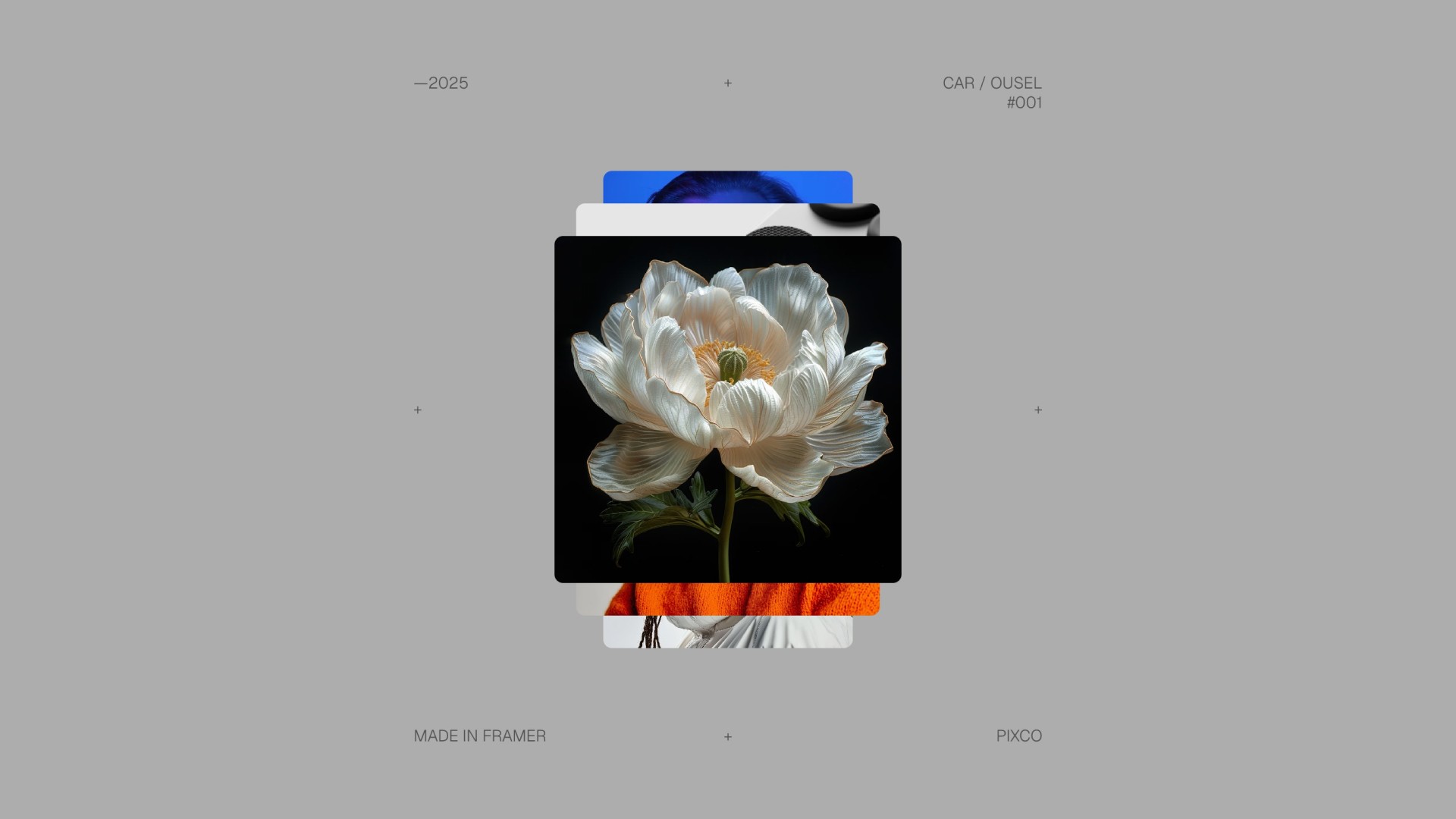
Add smooth, scroll-driven spin animations to your Framer projects with the Scroll Spin Gallery component. Designed to create engaging, interactive galleries, this component lets you display a collection of cards that rotate and animate as users scroll, making content feel dynamic and alive. It’s ideal for image galleries, featured projects, product showcases, Framer templates, and visual storytelling layouts.
With full control over card size, spacing, border styling, scroll speed, and overflow behavior, the component gives you precise control over both motion and layout. Its flexible design makes it perfect for personal projects, Framer templates, and large-scale commercial websites where polished scroll interactions make all the difference.
Don't have the component yet? Purchase it here.

Getting Started
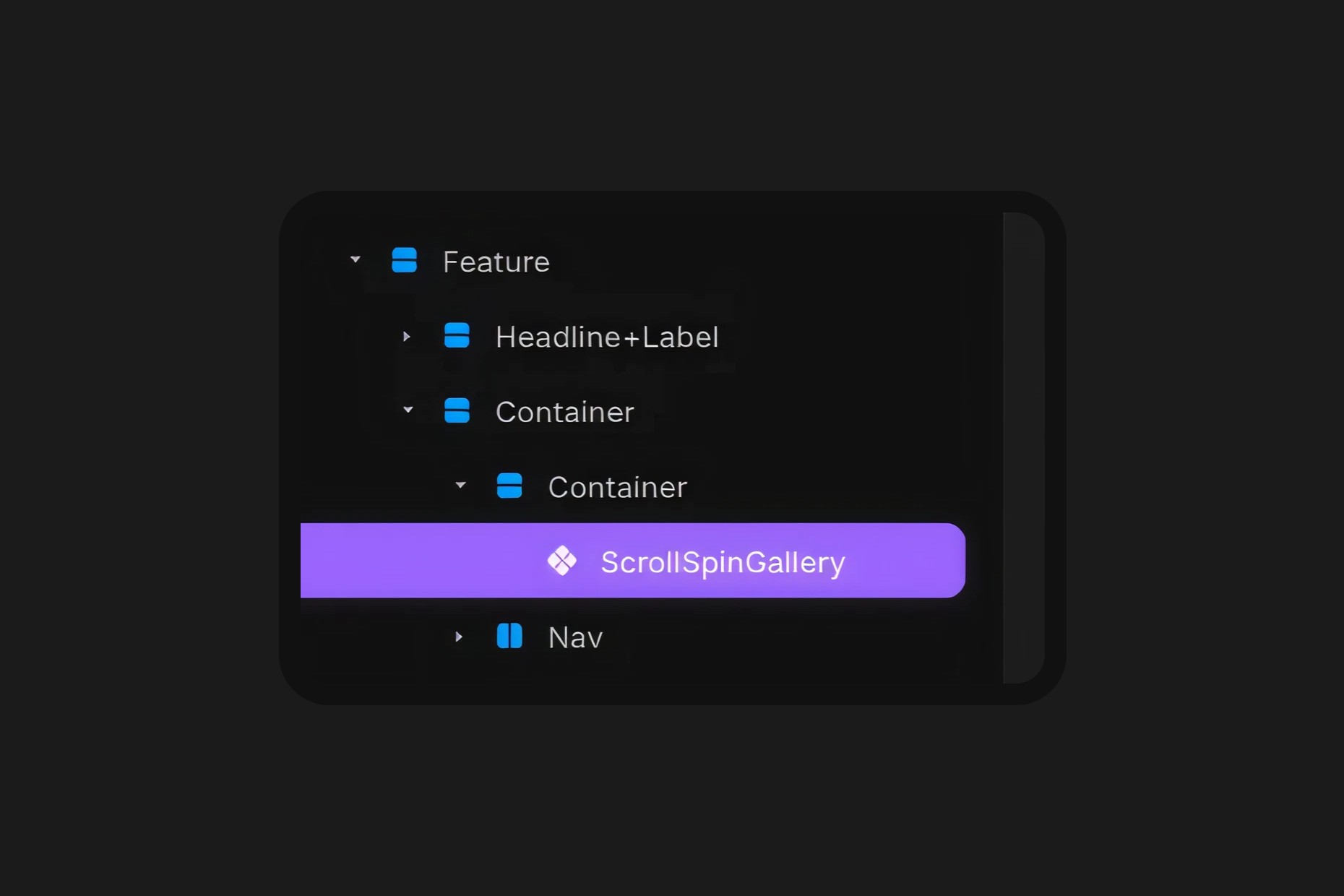
Click on the remix link you received from Lemon Squeezy which will open the project in Framer. Grab the component from the canvas by copying and pasting it into your own project.
Component Features
Cards
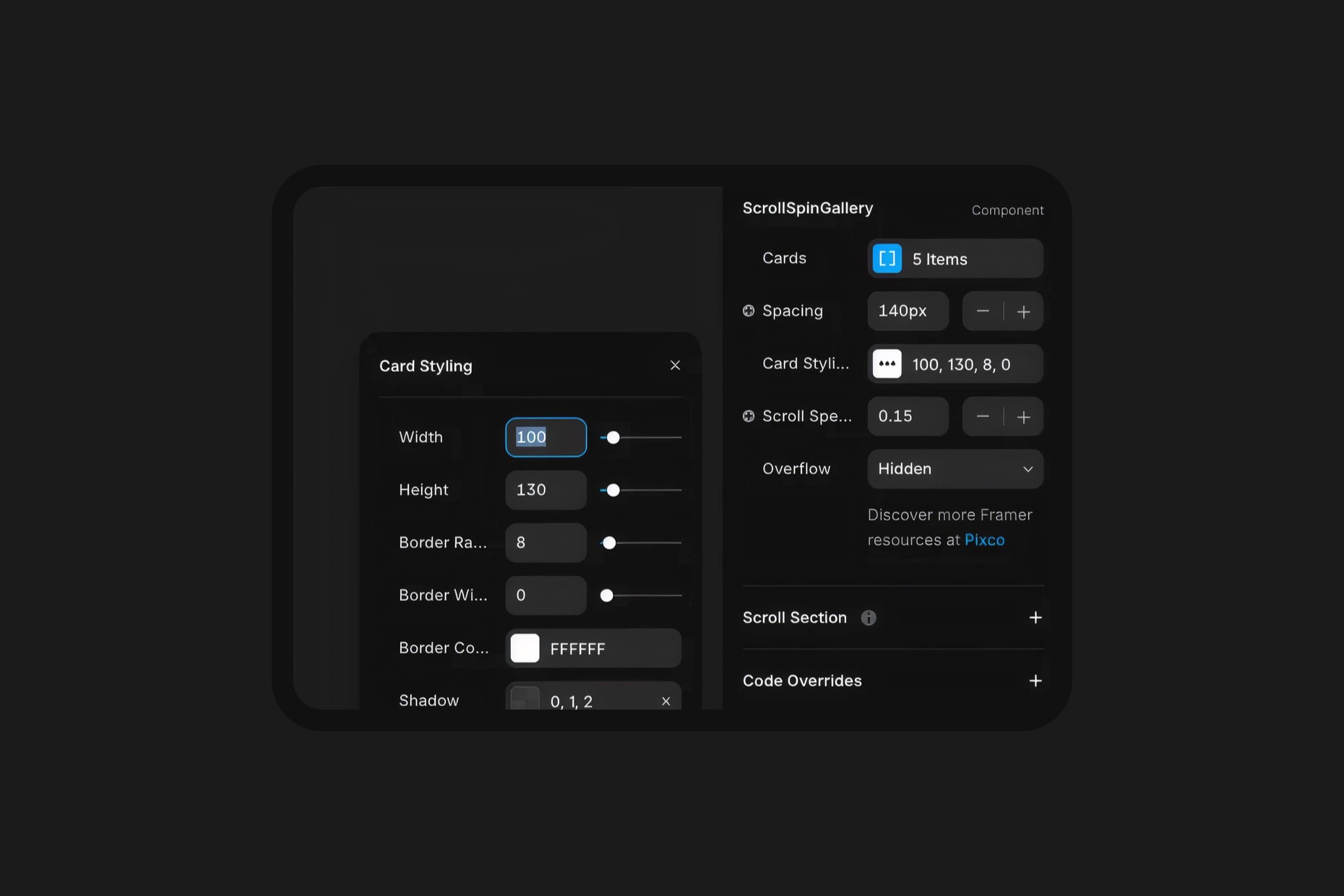
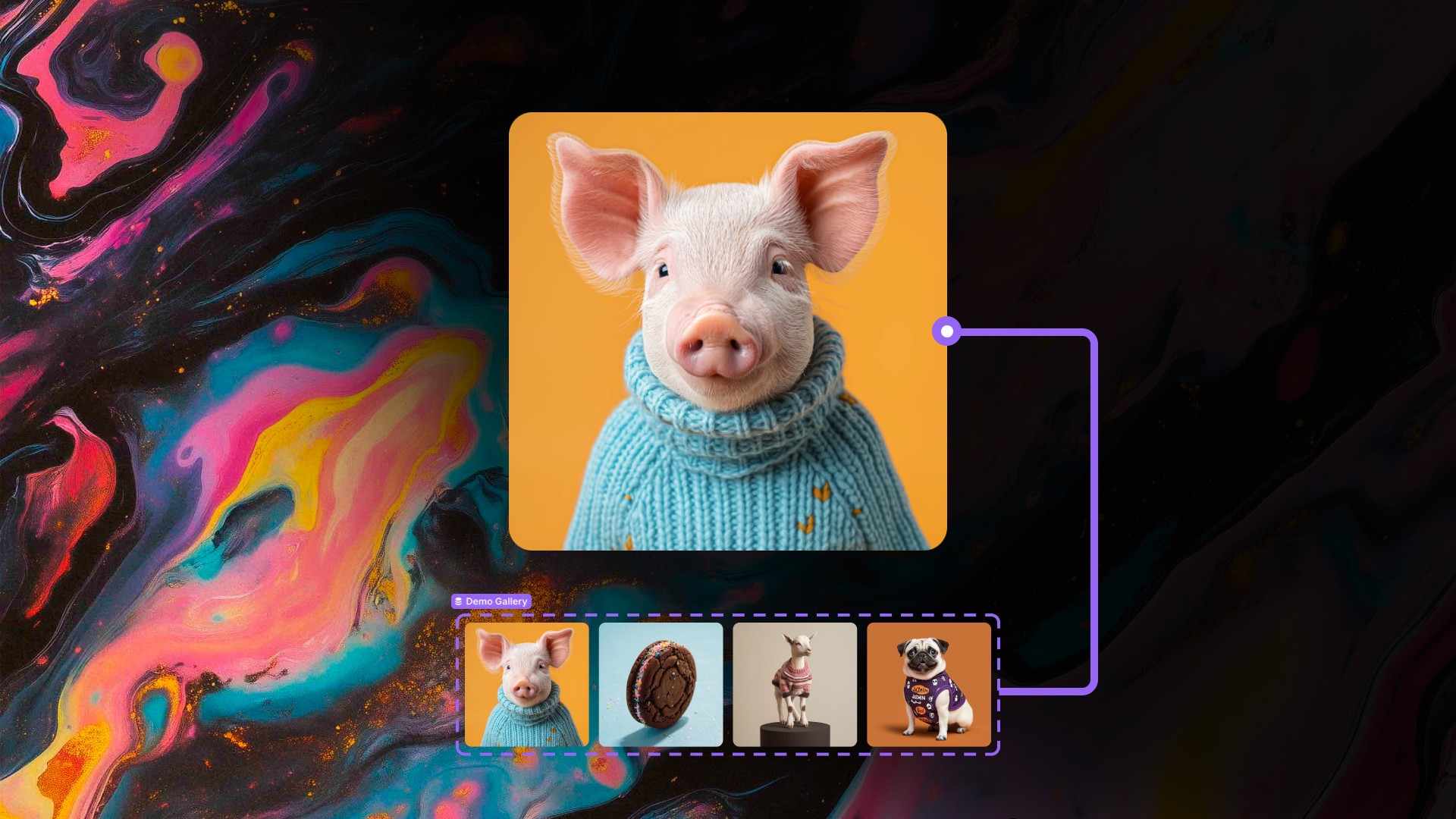
Upload your images or videos that you intend to be visible and act as cards that form the visual.
Spacing
Control the space for all cards away from the center of the component.
Card Styling
Style the cards with nested controls that allow you to set the Width, Height, Border, Radius, and Shadow of each individual card.
Scroll Speed
Set the speed at which you want the component to spin as you are scrolling the page.
Overflow
This control allows you to set the overflow to Visible or Hidden.